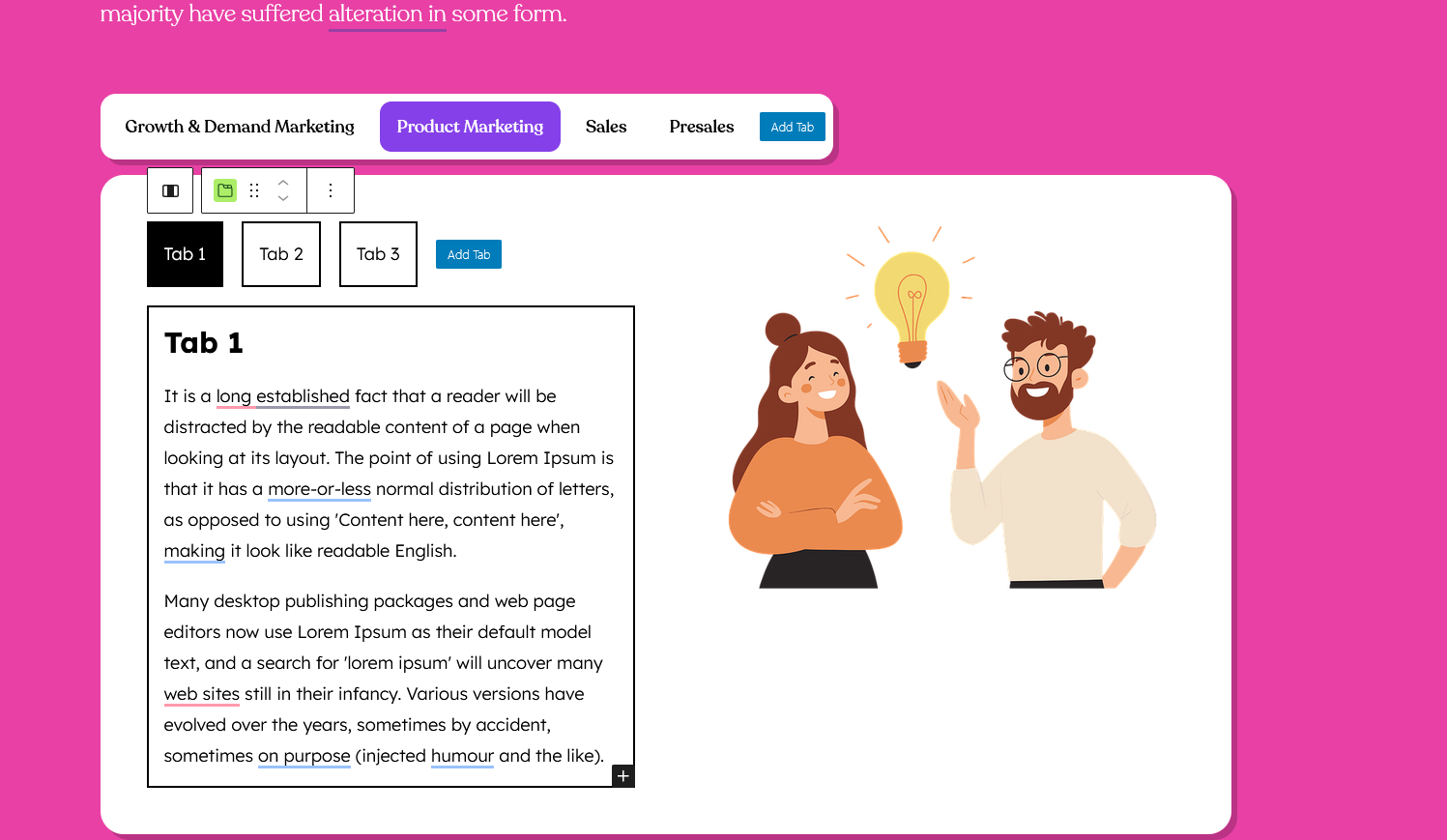

How to Create Nested Tabs
The Easy Tabs Block allows you to nest tabs within other tabs, making it perfect for organizing layered or complex content. This feature is especially useful for displaying help documentation, product specifications, or detailed comparisons in a clean and structured way, helping users easily navigate through related information.
How to Add Nested Tabs
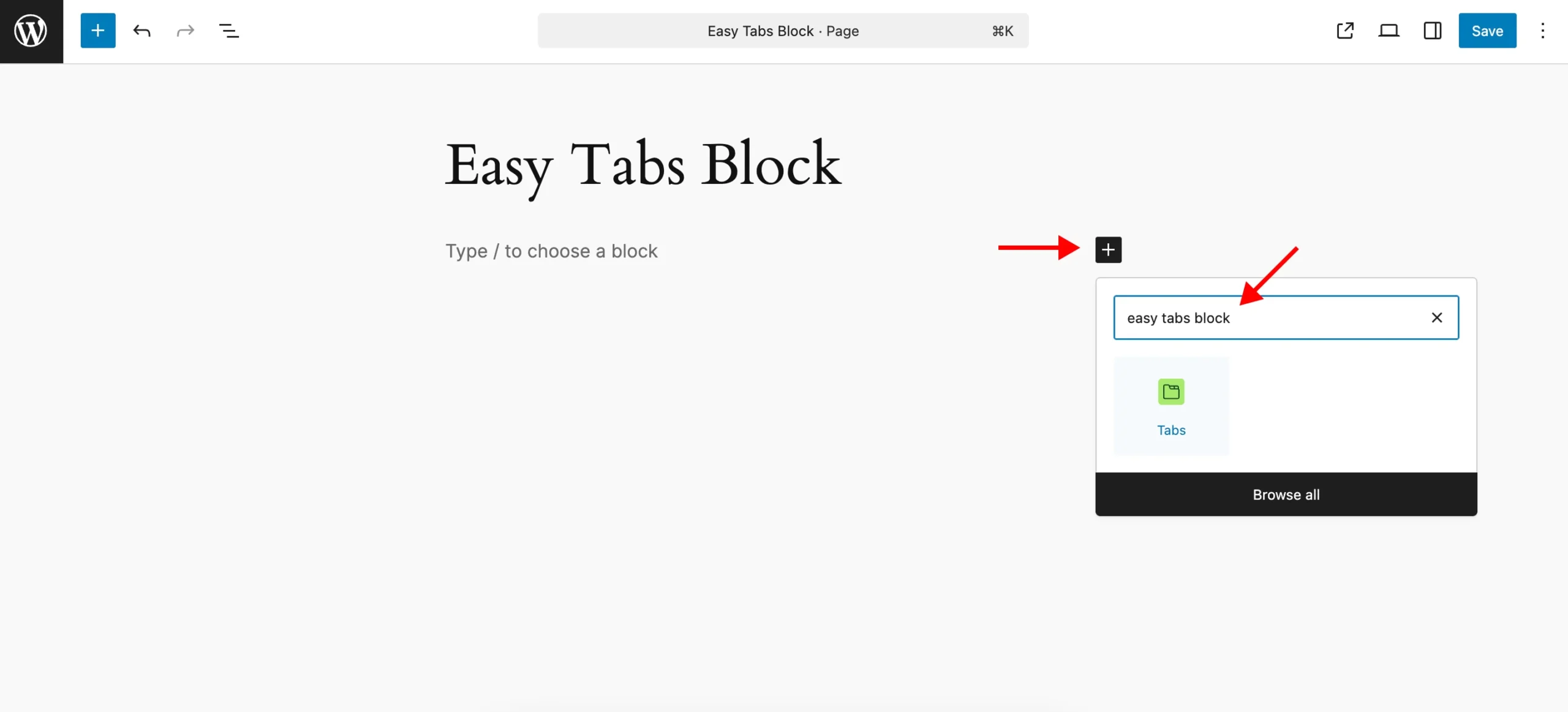
Insert a Tabs Block
Use the block inserter (+) and search for “Tabs” to add the main tab container.
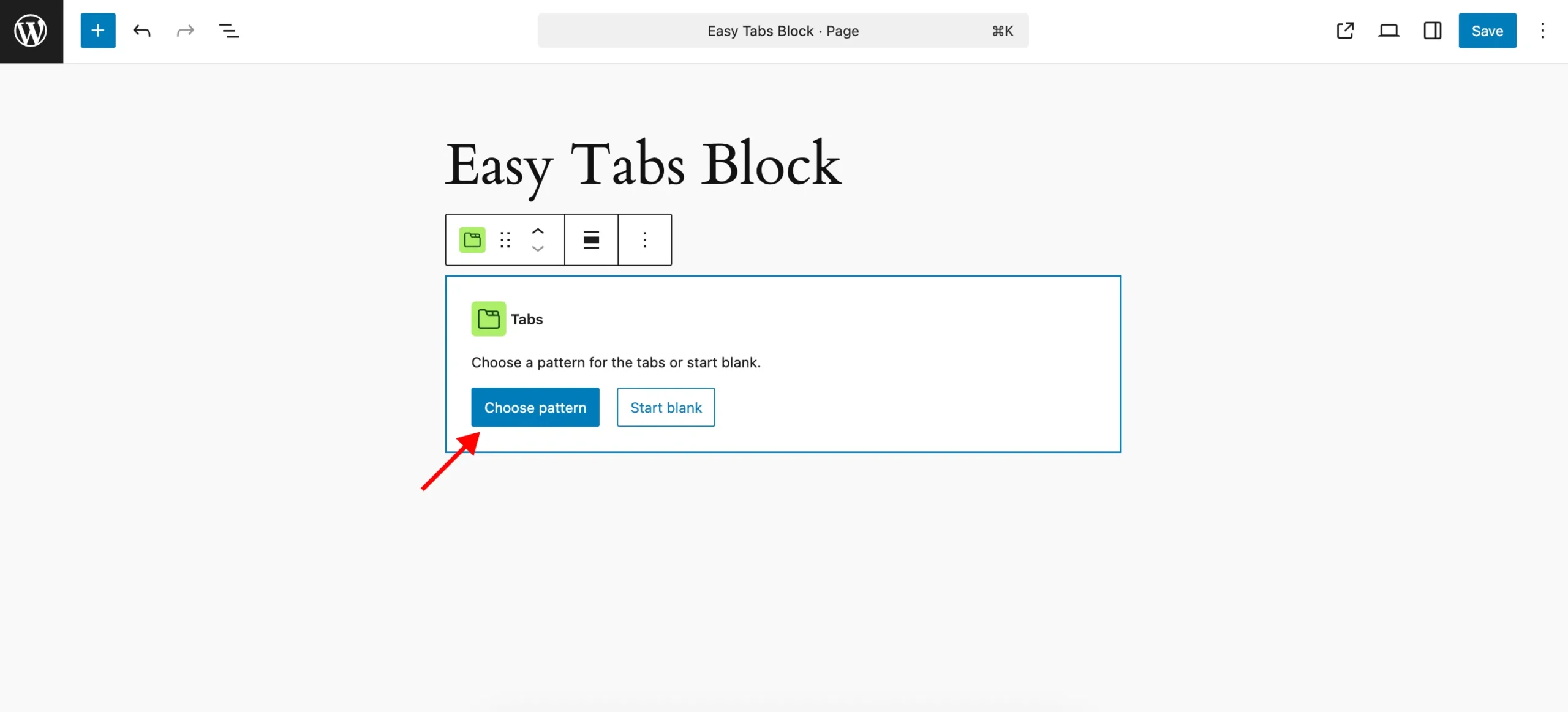
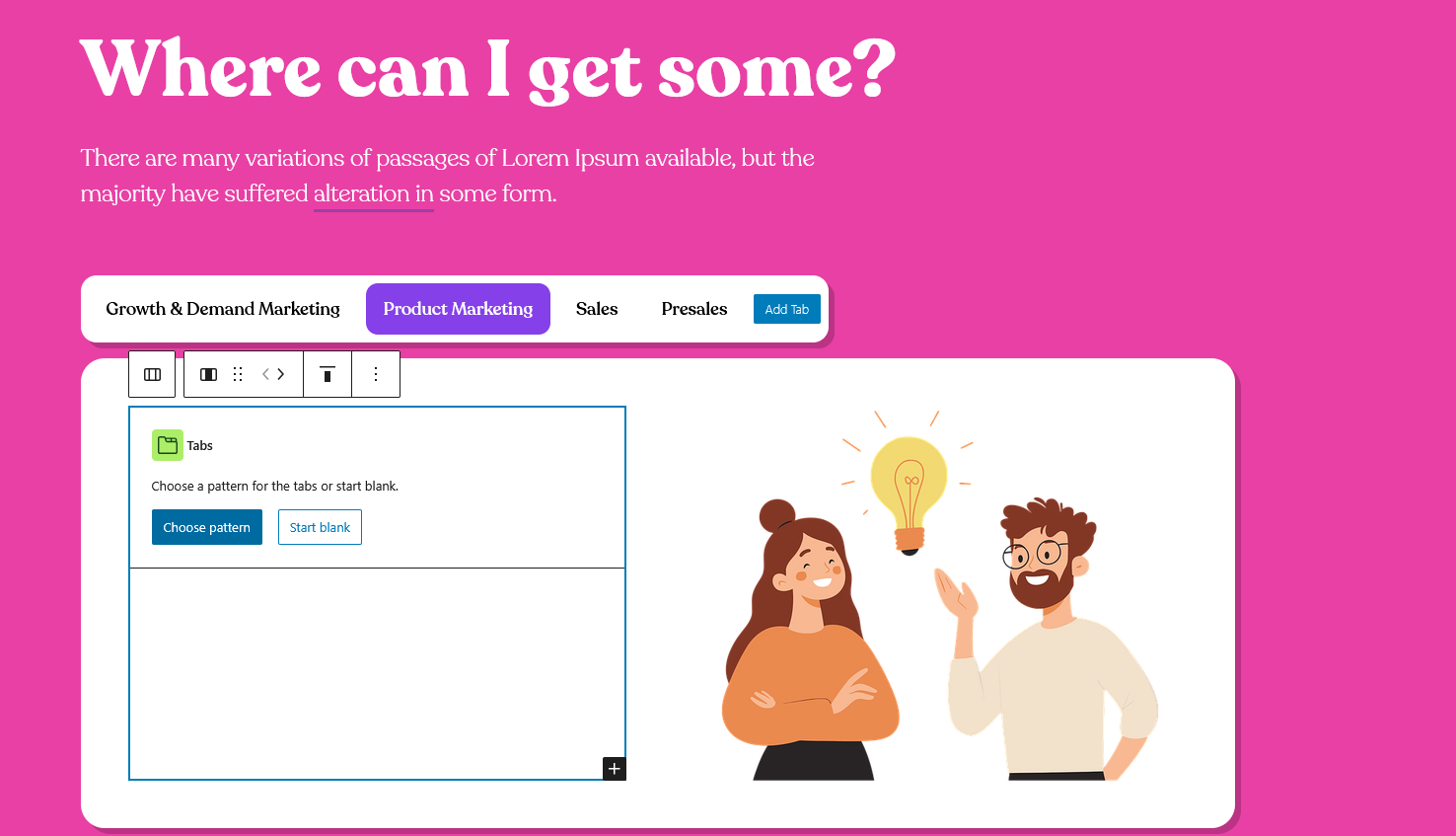
Choose a Pattern or Start Blank
Pick a layout from the pre-designed patterns or click Start Blank to build from scratch.
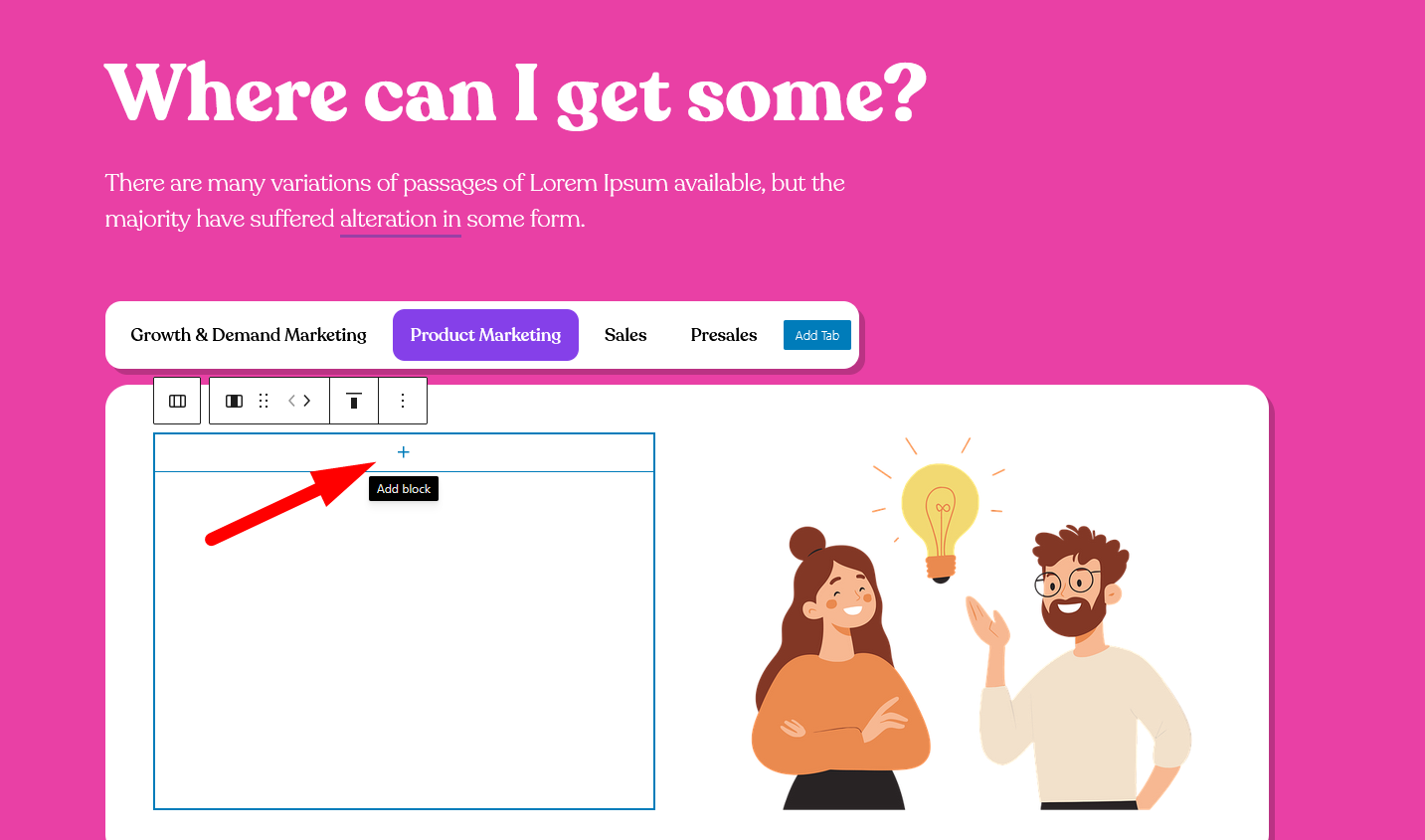
Select Any Tab Content Area
Inside any Tab Content, click the + icon to insert a block.
Add Another Tabs Block
From within that area, insert another Tabs block. This becomes your nested set.
Customize Each Level
You can independently style and configure both parent and nested tabs—layouts, animations, tab triggers, etc.
✅ Tip: You can nest tabs multiple levels deep. All tab instances behave responsively and support Gutenberg blocks inside.
Use Cases
- Product > Features > Technical Specs
- Course > Modules > Lessons
- FAQ > Category > Question Set